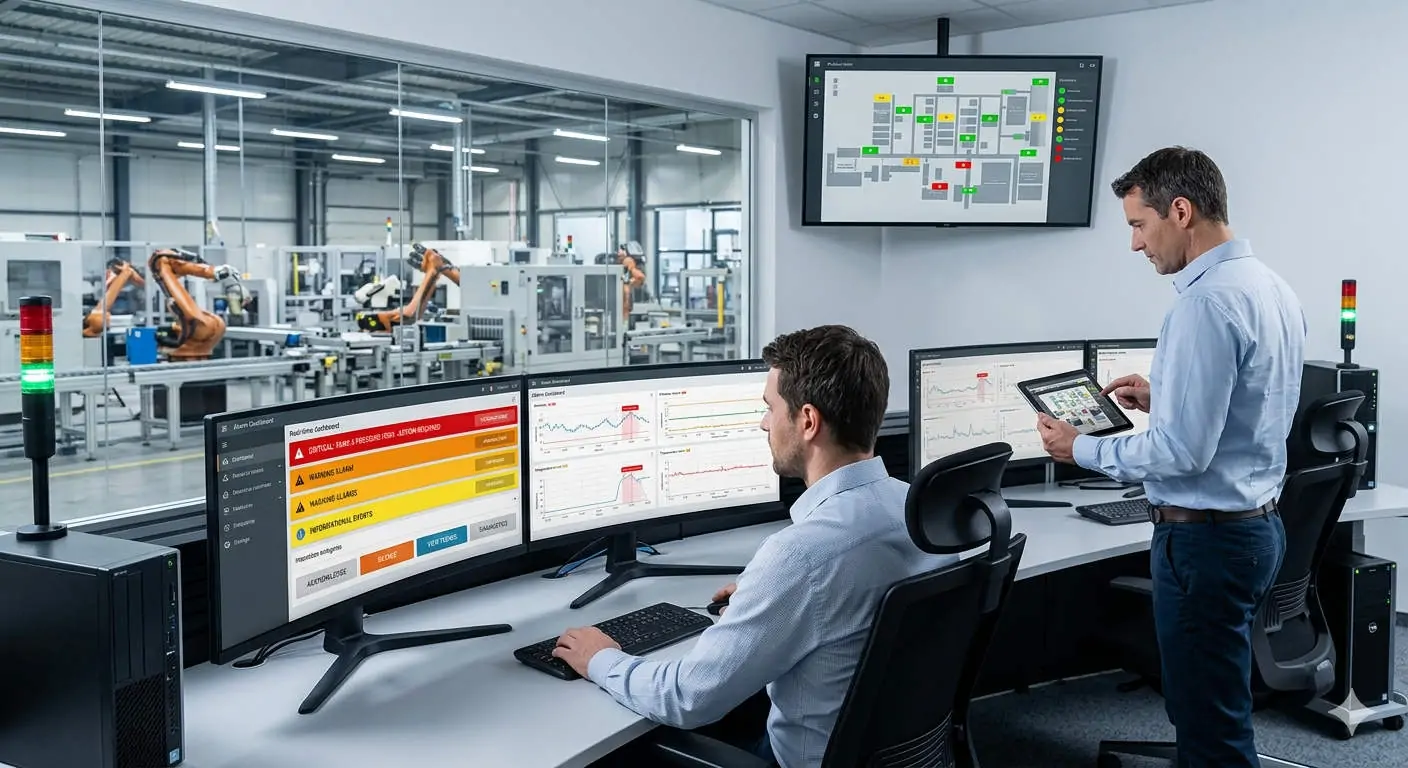
Solving Intermittent SCADA Alarm Failures in Industrial Automation Systems
Intermittent alarm sounds in a SCADA system represent more than a simple technical glitch. They directly threaten operator response times and process safety. In high-stakes industries like oil, gas, and pharmaceuticals, reliable audible alerts remain a cornerstone of regulatory compliance. Resolving these inconsistencies ensures that your plant maintains situational awareness and prevents costly, unmonitored deviations.

Understanding OS-Level Audio Latency and System Load
Most SCADA runtime engines rely heavily on the underlying Windows audio service to trigger alerts. However, high CPU consumption during intensive data logging or report generation can deprioritize audio threads. As a result, operators might experience delayed or skipped sounds during critical process spikes. Maintaining a balanced system load is essential for ensuring every alarm reaches the control room without lag.
The Impact of Alarm Rationalization and Deadband Logic
Improperly configured alarm priorities often lead to unintended silence on the factory floor. If the deadband logic is too wide, the system may suppress alerts for transient but dangerous fluctuations. Moreover, failing to align with the ISA-18.2 standard often results in “alarm flooding” or improper shelving. You must explicitly map each priority level to a unique audible signature to avoid confusion during emergencies.
Ensuring Communication Protocol Stability and Data Integrity
Reliable alarm triggering depends on consistent data acquisition via protocols like OPC UA, Modbus TCP, or EtherNet/IP. Network latency or packet loss can intermittently break the communication chain between the PLC and the SCADA server. Consequently, the software may fail to recognize an alarm state in real-time. Upgrading to robust, modern protocols significantly reduces the risk of these synchronized failures.
Field Maintenance: Hardening Software and Hardware Audio Layers
Field experience suggests that many audio issues stem from unstable consumer-grade drivers or background service crashes. Therefore, engineers should always use industrial-grade audio hardware and disable unnecessary OS tasks on SCADA nodes. In addition, implementing external alarm sounders with independent power supplies provides a vital safety net. These hardware-level redundancies protect against PC failures or surges during lightning events.
Expert Commentary from PLC Pioneer
“In my years of troubleshooting industrial control systems, I have found that ‘phantom silence’ is often a symptom of aging legacy architecture. Many plants still rely on outdated OPC DA wrappers that struggle with modern network security layers. I strongly recommend transitioning to a Unified Namespace (UNS) approach. This simplifies data flow and ensures that your alarm management system is both scalable and trustworthy.” — PLC Pioneer
- ✅ Driver Check: Replace standard Windows drivers with high-stability industrial alternatives.
- ⚙️ Logic Validation: Audit all alarm suppression and shelving rules to prevent accidental masking.
- 🔧 Physical Security: Use locking-type connectors for audio cables in high-vibration environments.
- 📊 Stress Testing: Regularly simulate peak-load scenarios to verify audio thread performance.
Frequently Asked Questions
Q: How can I distinguish between a software bug and a network-related alarm failure?
Check your SCADA communication logs first. If the data timestamps show “Bad Quality” or gaps during the incident, the issue lies in your protocol stability or network hardware rather than the audio configuration.
Q: Is it possible to integrate modern audible alerts into a legacy DCS?
Yes, but you often need a protocol gateway to convert older proprietary signals into a format recognized by modern alarm management software. This allows you to add modern sounders without replacing the entire controller.
Q: Why do my alarms sound on the server but not on the remote HMI clients?
This usually indicates a permissions issue or a configuration error in the client-server handshake. Ensure that the “Play Sound Locally” attribute is enabled for each specific HMI node in your project settings.
Solution Scenario: Chemical Reactor Monitoring
In a recent chemical processing project, an operator missed a high-pressure alert because the SCADA PC was busy generating a 500-page monthly report. By isolating the audio service and implementing a dedicated industrial buzzer via a PLC output, the plant eliminated the risk of “PC-hang” related silence. This dual-layered approach ensures safety even if the OS crashes.
If you are experiencing inconsistent system performance or need to upgrade your industrial communication hardware, explore our professional-grade solutions designed for maximum uptime.
Find technical specifications and reliable hardware at our official site: PLC Pioneer Limited